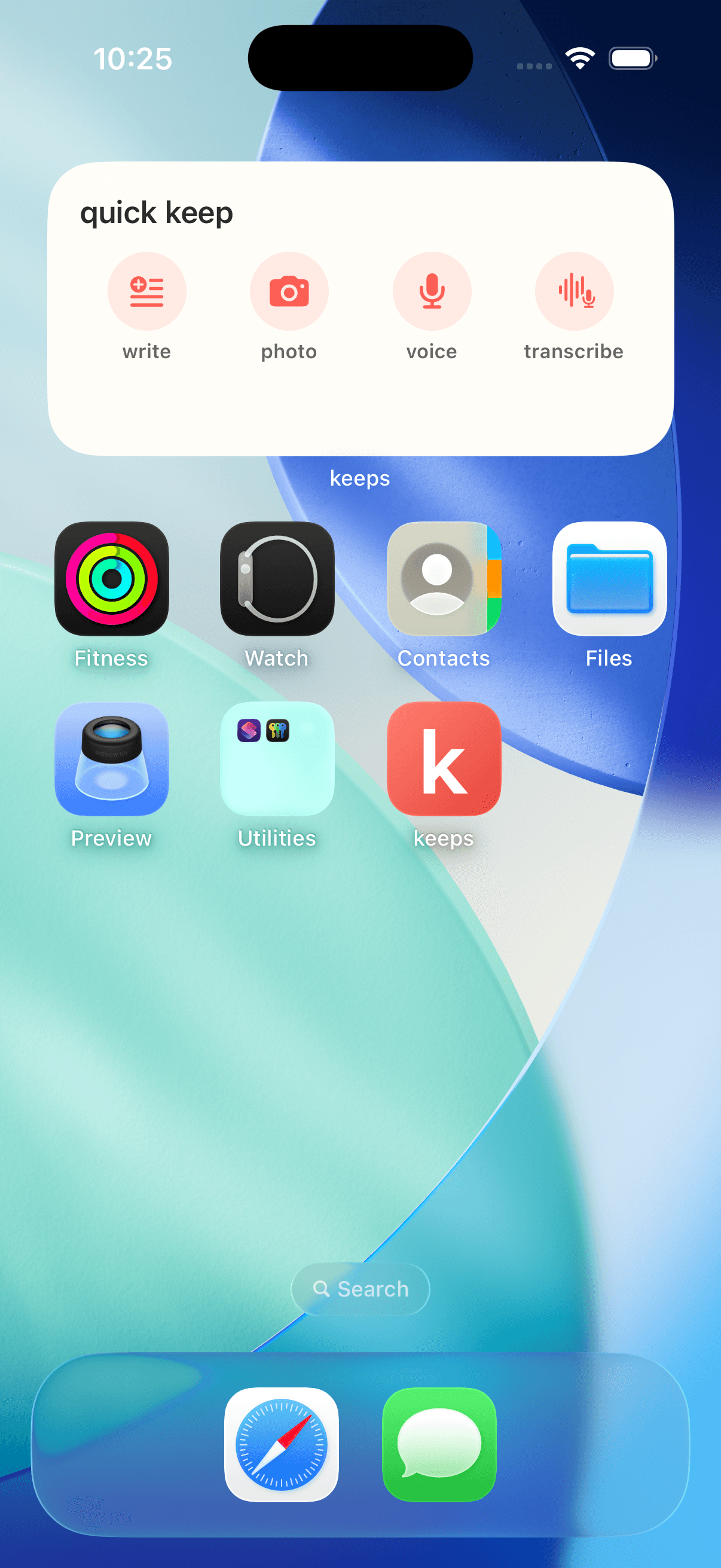
quick capture
Put keeps one tap away.
Add the Quick Capture widget to write, take a photo, record a voice note or transcribe a moment straight from your Home Screen.
keeps
quick capture
Put keeps one tap away.
Write it, photograph it, record it or transcribe it — straight from your Home Screen.
See how to add it in 20 seconds.
three little steps
Add Quick Capture
- 1
Press and hold your Home Screen
Touch and hold an empty space until your apps start to jiggle.
- 2
Open the widget gallery
Tap Edit, then Add Widget. Search for keeps and choose Quick Capture.
- 3
Put it where you’ll use it
Tap Add Widget, move it where you want it, then tap Done.
If keeps does not appear in the widget gallery, open the keeps app once and try again.